
AI Singing Photo Generator
Upload a photo and a song clip — the AI animates the face to sing it with realistic lip sync. Perfect for birthday surprises, memes and TikTok clips.
Real Output
Singing Photo Examples
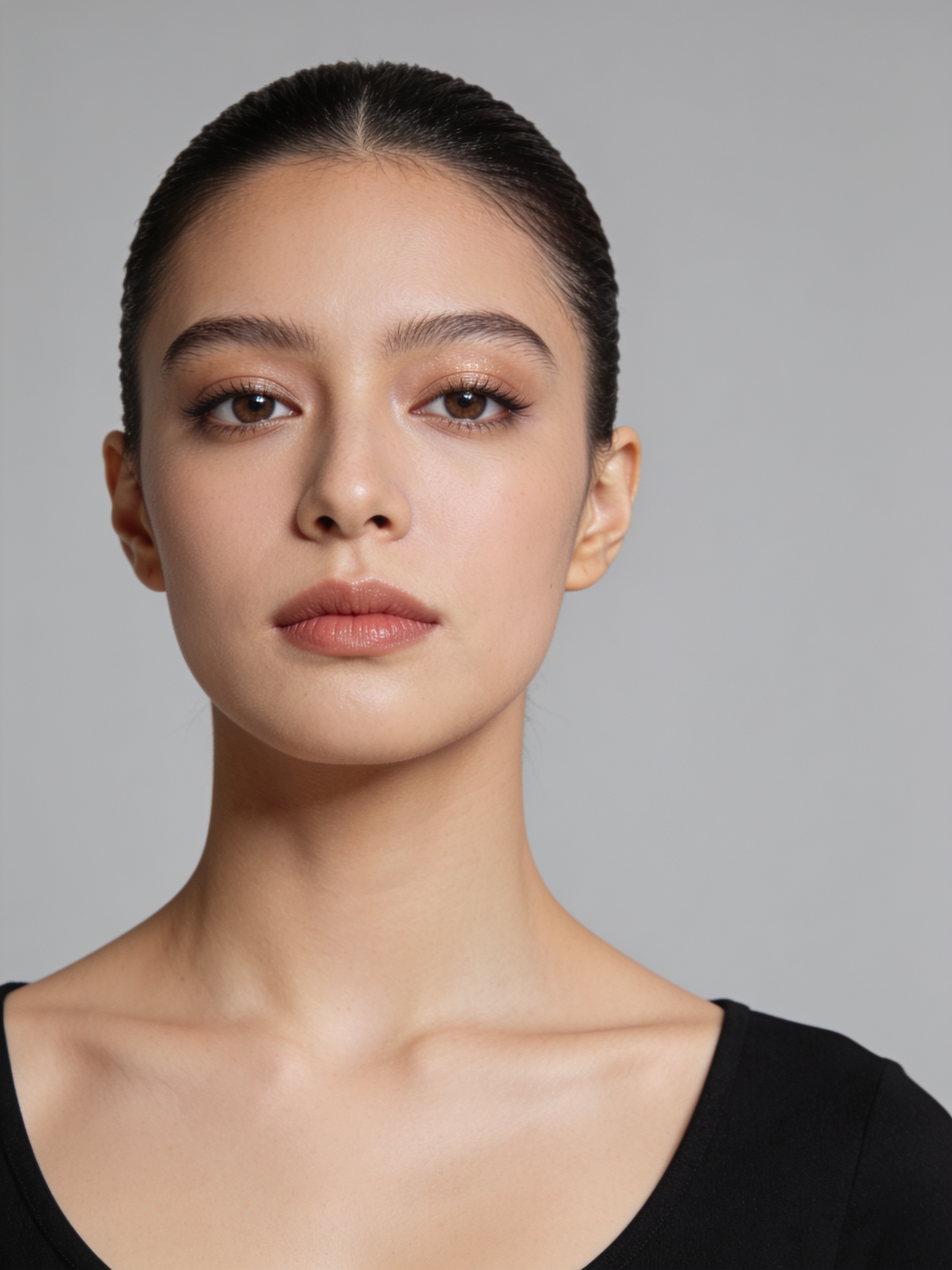
One still portrait, two AI models. Press play to hear the same clip performed by each — this is actual, unedited output.
What Is an AI Singing Photo?
A singing photo is a short video in which the person in a still picture appears to sing a real song — lips, jaw, eyes and head all moving in time with the vocal. An AI singing photo generator builds that video for you: you upload one photo and one audio clip, and the AI studies the face, listens to the track and animates a performance with accurate lip sync. No rigging, no editing timeline, no animation skills.
Under the hood the generator maps dozens of facial landmarks, then drives them frame by frame from the audio — vowels open the mouth, consonants close it, sustained notes hold it, and micro-movements in the brows and head keep the singing image from feeling robotic. The result reads less like a filter and more like a tiny music video starring whoever (or whatever) is in the frame.
People use singing photos to surprise friends on birthdays, turn family pictures into greeting videos, give a voice to pets and cartoon characters, and produce quick vertical clips for TikTok and Reels. Because Song AI also writes and sings original songs, you can generate a custom track and make your photo sing it — a combination a standalone singing photo maker can't offer.
Why Use This Singing Photo Maker
Realistic Lip Sync
The AI syncs mouth shapes to the actual phonemes in the vocal, so the photo sings the words — it doesn't just open and close its mouth to the beat.
Two Quality Tiers
Sing 1.0 delivers lively, expressive motion for fun clips. Sing 2.0 keeps the face strikingly true to the original photo — built for gifts and keepsakes.
Pick the Best 30 Seconds
Drag the waveform to choose the chorus or hook. You only pay for the seconds you select, and the clip lands exactly where the song hits hardest.
Sing Your Own AI Songs
Pick any track from your Song AI library — write a personalized song, then make a photo sing it. A custom birthday song, sung by the birthday person.
Any Face, Any Style
Portraits, selfies, paintings, anime characters, even pets — if it has a face, the generator can turn it into a singing picture.
Share-Ready in Minutes
Most singing photos render in 1-3 minutes and download as MP4 — ready for TikTok, Reels, WhatsApp or a family group chat.
How to Make a Photo Sing
Three steps from a still picture to a photo singing video — no editing skills needed.
Upload a Photo
Choose a clear, front-facing photo — a portrait, a selfie, a pet or an illustration. Good lighting on the face gives the best result.
Add a Song & Trim the Clip
Upload any audio file or pick a song you made on Song AI, then drag the waveform to select up to 30 seconds — the chorus usually works best.
Generate & Download
Pick Sing 1.0 or Sing 2.0 and hit generate. In a few minutes your singing photo is ready to preview, download and share.
What People Create with Singing Photos
Birthday Surprises
Make a friend's photo sing them a birthday song — pair it with a personalized track written on Song AI for a gift nobody else can copy.
TikTok & Reels Content
Singing portraits are native meme material. Animate a photo with a trending hook and post a vertical clip while the sound is still hot.
Singing Pets & Characters
Dogs, cats, anime characters, game avatars — make a picture sing regardless of who's in it. Pet singing videos are a reliable crowd-pleaser.
Gifts & Keepsakes
Turn a cherished family photo into a singing portrait for anniversaries, Mother's Day or the holidays — Sing 2.0 keeps the face true to life.
Artist & Album Promos
Make your cover art or press photo sing the single. A singing image in the feed stops the scroll better than a static announcement.
Party & Event Greetings
Wedding invites, graduation shout-outs, New Year wishes — a photo singing video turns a plain greeting into the moment of the group chat.
AI Singing Photo Generator FAQ
What kind of photo works best for a singing photo?
A sharp, front-facing photo with the whole face visible and evenly lit. Glasses and mild angles are fine; heavy side profiles, tiny faces and blurry shots reduce lip-sync quality. Paintings, anime and pet photos work too — the AI just needs a recognizable face.
Can I make a picture sing any song I want?
Yes. Upload any MP3, WAV, M4A, FLAC or OGG file, or pick a song you generated on Song AI. Only use music you have the rights to — your own tracks, licensed audio, or AI songs made here.
How long can the singing clip be?
Both Sing 1.0 and Sing 2.0 animate up to 30 seconds per generation. That's deliberate: short clips are what people actually watch and share, and the built-in trimmer helps you land exactly on the chorus.
What's the difference between Sing 1.0 and Sing 2.0?
Sing 1.0 produces energetic, expressive motion and costs fewer credits — ideal for memes and fun clips. Sing 2.0 is our premium model: it preserves the exact facial identity of the original photo, which matters when the singing portrait is a gift or features someone you love.
Is the AI singing photo generator free?
New accounts receive free credits you can spend on your first singing photos. After that, generation costs credits per second of selected audio — you see the exact price on the button before you generate.
Can I post my singing photos commercially?
Videos made on a paid plan come with commercial rights, so you can use them in promos and monetized content. Free-plan creations are for personal, non-commercial use. Always make sure you have rights to both the photo and the music.
Make Your Photo Sing Now
Upload a photo, pick a song and let the AI handle the performance — your first singing photo is minutes away.
Create My Singing Photo