
Online MIDI Editor & MIDI Maker
Edit MIDI online or make one from scratch — right in your browser. Import a .mid file, arrange notes on the piano roll, preview playback, and export to any DAW. Free, no signup.
Powerful MIDI Editing Features
Everything you need to create, edit, and play MIDI music right in your browser — no software installation required.
Professional Piano Roll Editor
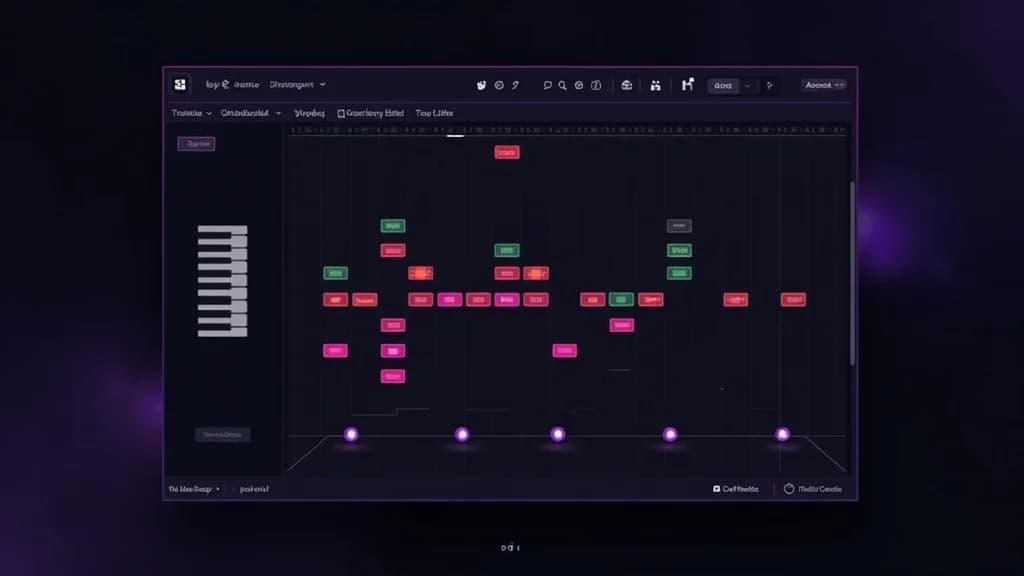
Edit notes with precision using our full-featured piano roll interface. Drag to create notes, resize to adjust duration, and move notes freely across the timeline. The intuitive grid system snaps to beats for perfect timing.
Import & Export MIDI Files
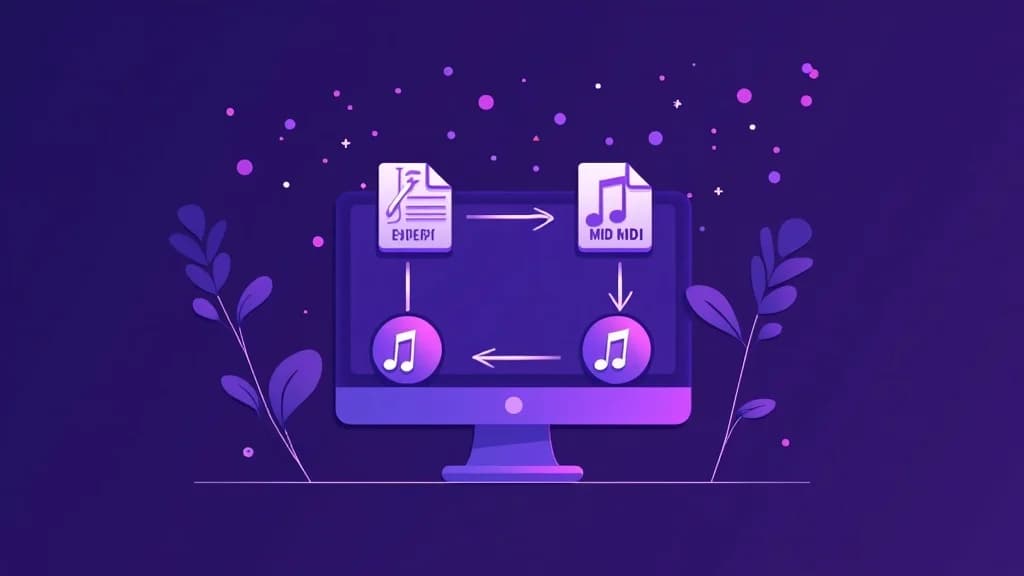
Open any standard MIDI file (.mid) directly in your browser. Make your edits and export back to MIDI format instantly. Compatible with all major DAWs including Ableton, FL Studio, Logic Pro, and more.
Instant Playback Preview
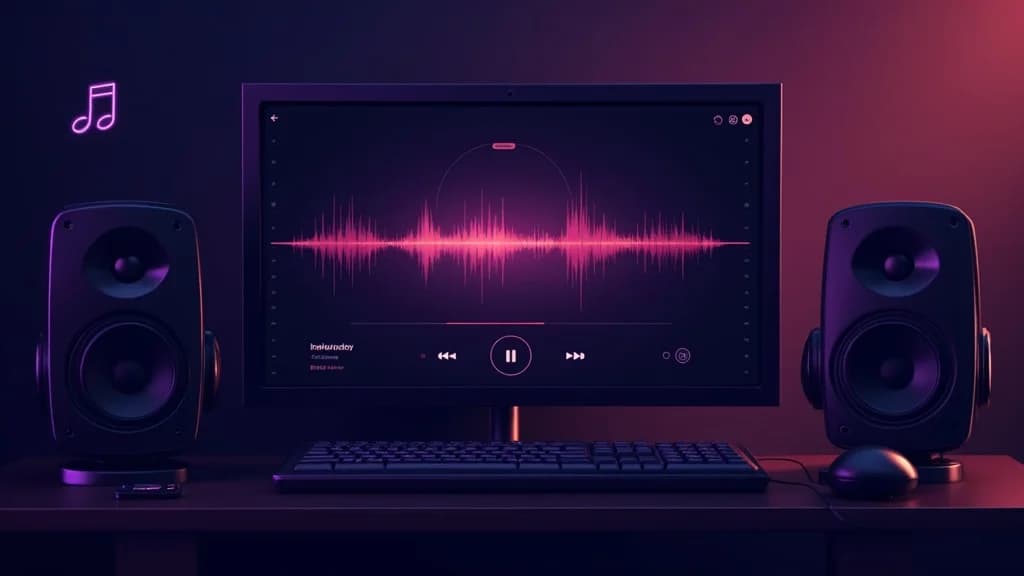
Hear your composition come to life with built-in General MIDI sound synthesis. Play, pause, and scrub through your arrangement in real-time with high-quality audio powered by Web Audio API.
What Is a MIDI Editor?
A MIDI editor is a tool that lets you create, view, and modify MIDI (Musical Instrument Digital Interface) files. MIDI files contain musical information like note pitches, durations, velocities, and timing — but no actual audio. This makes them incredibly versatile for music production, composition, and arrangement.
Our free online MIDI editor provides a professional piano roll interface right in your browser. You can import existing MIDI files, add or remove notes, adjust timing and velocity, and export your work as standard MIDI files compatible with any DAW or music software.
Whether you are a music producer tweaking a melody, a student learning music theory, or a hobbyist composing your first song, this MIDI editor gives you everything you need — completely free and with no software to install.
How to Use the MIDI Editor
Import or Start Fresh
Click Import to load an existing MIDI file, or start with the default demo notes. The editor supports standard .mid and .midi file formats.
Edit Your Notes
Switch between Select, Draw, and Erase tools. Draw mode adds notes, Select mode lets you move and resize them, and Erase mode removes notes with a click.
Preview Your Music
Hit Play to hear your composition with the built-in synthesizer. Adjust the BPM to change the tempo. The playback cursor shows your current position.
Export Your MIDI
When you are happy with your composition, click Export to download a standard .mid file. Open it in any DAW to add real instruments, effects, and vocals.
MIDI Editor Features
Piano Roll View
Visual piano roll interface showing notes on a time grid. See all your notes at a glance with pitch on the Y-axis and time on the X-axis — the industry-standard way to edit MIDI.
Import & Export MIDI
Import any .mid or .midi file to view and edit. Export your composition as a standard MIDI file compatible with all major DAWs including Ableton, FL Studio, Logic Pro, and more.
Add, Move & Resize Notes
Use draw mode to place new notes, select mode to move notes by dragging, and resize notes by pulling the right edge. Snap-to-grid keeps your timing precise.
Playback Preview
Listen to your composition instantly with built-in Web Audio playback. Hear your notes played back with a synthesizer — no plugins or external software needed.
Undo & Redo
Full undo/redo history lets you experiment freely. Made a mistake? Just hit undo. Want it back? Redo. Never worry about losing your work.
Zoom & Navigate
Zoom in for detailed note editing or zoom out for a full overview of your composition. Scroll horizontally through time and vertically through the pitch range.
Frequently Asked Questions
Is this MIDI editor really free?
Yes, our online MIDI editor is completely free to use with no signup required. All processing happens in your browser — we do not upload your files to any server.
What MIDI file formats are supported?
The editor supports standard MIDI files (.mid and .midi) in Format 0 and Format 1. Multi-track MIDI files will have all tracks merged into a single piano roll view for editing.
Can I use the exported MIDI in my DAW?
Absolutely. The exported .mid files are standard MIDI format compatible with all major DAWs including Ableton Live, FL Studio, Logic Pro, GarageBand, Reaper, and more.
Is there a limit on the number of notes?
There is no hard limit on the number of notes. However, very complex compositions with thousands of notes may affect browser performance. For best results, keep your projects focused.
Can I convert my MIDI composition into a real song?
Yes! After creating your MIDI composition, you can use our AI Song Generator to turn your musical ideas into full songs with AI-generated vocals, lyrics, and professional production.
Where to go next
Bring an existing recording in, or turn your MIDI into a finished track.